
Ever find yourself juggling different apps just to turn off the lights or adjust the thermostat? It’s a nightmare, right? Too many gadgets, not enough communication. Alexa home integration comes in.
I’m here to cut through the noise and guide you to a smarter home. One that actually simplifies your life instead of complicating it with endless tech headaches.
I’ve spent years designing and implementing smart home systems, so I know what works and what doesn’t. You deserve a home that’s intuitive and effortless (not one that makes you curse under your breath every time you use it).
This article promises a straightforward, step-by-step guide that’ll transform your scattered devices into a cohesive system. Say goodbye to tech overload. Let’s make your home work for you, not the other way around.
Smart Homes: Why They Matter for You
Ever dreamt of your home responding to your every whim? That’s smart home integration. It’s connecting all those gadgets.
Lights, thermostats, locks (to) a central hub. Picture Alexa (or any other assistant) as the conductor of your household orchestra. Instead of fiddling with individual devices, you’ve got a single point of control.
How cool is that?
Why bother, you ask? Convenience tops the list. Imagine commanding your entire home with just your voice.
Efficiency plays its part too (think automated energy-saving tasks). Then there’s security (integrated) cameras and smart locks give peace of mind. And let’s not forget ambiance.
Creating the perfect movie night or dinner setting with a single command? Chef’s kiss.
But it’s more than just tech geekery. It’s about a lifestyle that’s more aligned, responsive, and downright enjoyable. You don’t just live in your home; you interact with it.
And as tech keeps evolving, so will our living spaces. This is where the Connect Home Ifttt Guide comes in handy. It’s not just about connecting devices; it’s about creating a smooth experience.
So, what’s next in this world of Alexa home integration? Stay tuned, because the future’s only getting smarter.
Battle of the Smart Hubs: Alexa, Google, or Apple?
Choosing your smart home hub is like picking your favorite streaming service. It’s all about what works best for you. These three are the brains behind the operation.
First up, Amazon Alexa. If you’re a gadget junkie (who isn’t?), Alexa’s got the widest selection of compatible devices. Think of it as the ultimate collector’s edition.
You say it, Alexa’s probably got a “Skill” for it. Plus, it’s perfect for those who love choices.
Now, Google Assistant. This one’s the conversationalist. Ever tried asking your assistant a question and getting a blank stare?
Not with Google. It’s got a knack for understanding natural language, making it feel less like talking to a robot and more like chatting with a friend. And the integration with Google services?
Smooth. If you’re an Android aficionado, this one’s a no-brainer.
Then there’s Apple HomeKit. You know Apple, right? Privacy, security, sleek design (it’s) got it all.
HomeKit’s compatibility may be more selective, but that just means you’re getting the cream of the crop. Ideal if you’re already deep in the Apple space, valuing privacy over a vast gadget collection.
So, where does that leave you? If you want maximum compatibility, Alexa home integration is your go-to. Prefer a smart, chatty assistant?
Google’s your guy. Or maybe you want that polished, secure Apple experience. The choice is yours, and frankly, it all comes down to what you’ve already got in play.
Just pick your team and let the tech do the rest.
Your First Integration: Simple Steps for Success
Ready to dive into the world of smart homes? Let’s start with Alexa home integration. It’s easier than you’d think.
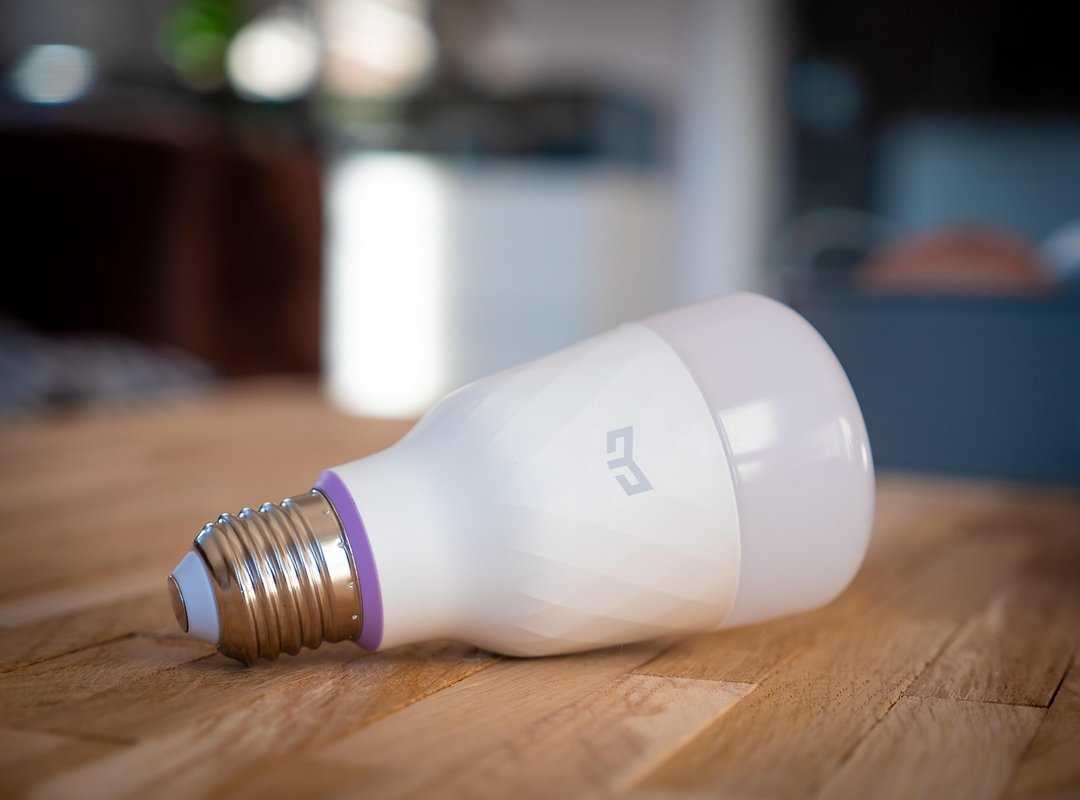
Step 1: Choose Your First Device Category. You want something easy and effective. Go for smart lighting or smart plugs. I recommend Philips Hue or Wyze. They’re not just reliable. They’re game-changers. Smart lights can transform your space instantly.
Step 2: Check for Compatibility. Don’t skip this. Look for logos: ‘Works with Amazon Alexa,’ ‘Hey Google,’ or ‘Apple HomeKit.’ It’s key. Imagine setting everything up only to find it’s incompatible. Nightmare, right?
Step 3: The Initial Setup. Each device has its own app. Download it. Install your device there first. Got a Hue bulb? Use the Hue app. It’s straightforward and saves headaches later.
Step 4: Linking to Your Assistant. Now open Alexa or Google Home. Find your new device. Link accounts. It’s the heart of integration. Without this, nothing happens.
Step 5: Test and Organize. Ask Alexa to turn on your new light. Did it work? Fantastic. Now, organize your devices. Put them in rooms. Name them something easy, like ‘Living Room Lamp.’
After all this, you might want to explore more devices. Have you thought about Smart Thermostat Systems Energy Savings? They’re a smart next step.
They save energy and money. Pretty neat, huh?
Pro tip: Always keep your apps updated. New features roll out often. Stay ahead of the curve.
Smart homes are about convenience. Make them work for you.
Unlocking True Automation: Smart Routines in Action
Setting routines in your smart home is like giving it a brain. They’re not just flashy tricks; they make your home actually feel intelligent. So, what are routines anyway?

A routine is a single custom command that triggers a sequence of actions across multiple devices. Think of it as the maestro of your home orchestra.
Imagine the ‘Good Morning’ Routine. You wake up, say a command, and the magic begins: the lights slowly brighten, the thermostat nudges up, the coffee maker kicks in, and a news briefing plays. It’s pure morning bliss.
Alternatively, there’s the ‘Movie Night’ Routine. Just say, “Alexa, it’s movie night,” and watch as the lights dim, accent lights glow, and the TV and soundbar turn on.
Leaving home? No problem. The ‘Leaving Home’ Routine ensures all lights are off, your thermostat switches to ‘away’ mode, and the front door locks.
It’s peace of mind with zero effort.
To set these up, open your assistant’s app. Get through to the ‘Routines’ section. It’s all there.
You might need the amazon alexa smart home skill. With Alexa home integration, it’s all smooth and feels natural (just like it should). Why not try setting one up now?
Your smart home awaits.
Dodging the Connectivity Traps
Let’s talk connectivity. If you want your smart home to run smoothly (and who doesn’t?), you need a strong Wi-Fi network. Invest in a modern router.
It makes all the difference. Sometimes, you might need a separate hub for devices like Zigbee or Z-Wave. Don’t ignore this.
It’s key for performance.
Compatibility can be a minefield. Ever bought a gadget only to find it doesn’t work with your setup? Annoying, right?
Always check for compatibility logos. Don’t assume anything will magically work with your Alexa home integration. It won’t.
Now, security. It’s non-negotiable. Use strong, unique passwords for your smart home accounts.
Seriously, don’t skimp here. And let two-factor authentication (2FA). It’s a lifesaver.
Pro tip: Write down those backup codes. No one wants to be locked out of their own smart home.
In short, don’t let these common pitfalls trip you up. You’re smarter than that.
Make Your Home Smarter, Easier
Feeling frustrated with your smart home’s disjointed mess? I get it. The key to fixing this is a properly integrated system.
Start with Alexa home integration and watch your home transform into something effortless. You’ve got the blueprint. Now, pick one room or task (like) automating your morning coffee.
And dive into your first smart home assistant integration this week. Ready to simplify your life? Get started now.
Your smooth smart home awaits.
 Décor & Functional Living Editor
Monica Hollandaverso writes the kind of prist décor and style trends content that people actually send to each other. Not because it's flashy or controversial, but because it's the sort of thing where you read it and immediately think of three people who need to see it. Monica has a talent for identifying the questions that a lot of people have but haven't quite figured out how to articulate yet — and then answering them properly.
They covers a lot of ground: Prist Décor and Style Trends, Smart Home System Integrations, Liv-Inspired Living Concepts, and plenty of adjacent territory that doesn't always get treated with the same seriousness. The consistency across all of it is a certain kind of respect for the reader. Monica doesn't assume people are stupid, and they doesn't assume they know everything either. They writes for someone who is genuinely trying to figure something out — because that's usually who's actually reading. That assumption shapes everything from how they structures an explanation to how much background they includes before getting to the point.
Beyond the practical stuff, there's something in Monica's writing that reflects a real investment in the subject — not performed enthusiasm, but the kind of sustained interest that produces insight over time. They has been paying attention to prist décor and style trends long enough that they notices things a more casual observer would miss. That depth shows up in the work in ways that are hard to fake.
Décor & Functional Living Editor
Monica Hollandaverso writes the kind of prist décor and style trends content that people actually send to each other. Not because it's flashy or controversial, but because it's the sort of thing where you read it and immediately think of three people who need to see it. Monica has a talent for identifying the questions that a lot of people have but haven't quite figured out how to articulate yet — and then answering them properly.
They covers a lot of ground: Prist Décor and Style Trends, Smart Home System Integrations, Liv-Inspired Living Concepts, and plenty of adjacent territory that doesn't always get treated with the same seriousness. The consistency across all of it is a certain kind of respect for the reader. Monica doesn't assume people are stupid, and they doesn't assume they know everything either. They writes for someone who is genuinely trying to figure something out — because that's usually who's actually reading. That assumption shapes everything from how they structures an explanation to how much background they includes before getting to the point.
Beyond the practical stuff, there's something in Monica's writing that reflects a real investment in the subject — not performed enthusiasm, but the kind of sustained interest that produces insight over time. They has been paying attention to prist décor and style trends long enough that they notices things a more casual observer would miss. That depth shows up in the work in ways that are hard to fake.